
Document the work where the work happens.
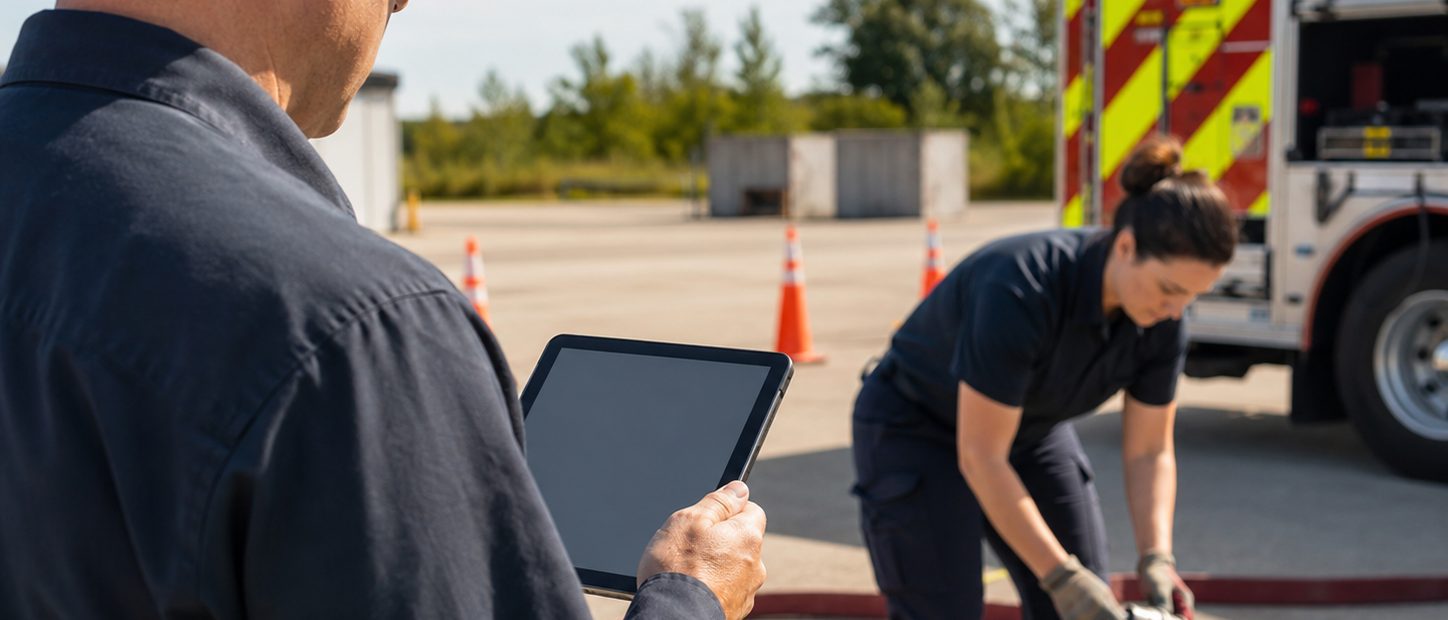
EvalHero is designed for evaluations and taskbook activity that occur outside a traditional office. Evaluators can use a mobile-friendly interface to review criteria, record observations, add context, capture permitted evidence, and move the work into the required review or signature path.
Why organizations need a connected readiness system
EvalHero is designed for evaluations and taskbook activity that occur outside a traditional office. Evaluators can use a mobile-friendly interface to review criteria, record observations, add context, capture permitted evidence, and move the work into the required review or signature path.
Common problems you might be facing
- Paper forms are completed in the field and entered again later.
- Desktop-oriented forms make evaluators delay documentation or omit useful context.
- Evidence, signatures, and comments are captured in separate tools and become difficult to match to the evaluation.
What EvalHero helps the organization do
Mobile-first form controls
Use field layouts and selectors designed to remain usable on smaller screens.
Field evidence
Attach permitted photos, files, comments, and supporting material to the correct record or task.
Taskbook observations
Document progress and sign-offs during training, probation, precepting, or qualification activity.
Review and signatures
Move from field completion to the appropriate approval, acknowledgment, or signature step.
Consistent templates
Use the same standard across shifts and locations instead of creating local paper variations.
How the workflow works
- Open the assigned evaluation or taskbook item.
- Review the relevant criteria before or during the observation.
- Record ratings, comments, evidence, and required information.
- Submit the work into the configured review path.
- Complete follow-up actions while the context is still available.
Operational outcomes
- Less duplicate entry
- More timely documentation
- Richer evaluation context
- Greater consistency across locations and shifts
Important boundaries
- EvalHero supports the organization’s training, evaluation, documentation, and workflow process. It does not replace the organization’s legal, medical, employment, regulatory, accreditation, or operational judgment.
- The organization defines the applicable standard, authorized roles, retention requirements, passing rules, and final decisions.
Frequently asked questions
How is EvalHero accessed on a phone or tablet?
EvalHero is a mobile-friendly progressive web application rather than a separately distributed native iOS or Android app. Users access it through a supported browser and can install it to a device’s home screen for an app-like experience.
Can evaluators capture evidence from a phone or tablet?
Yes. When the form and organization permit it, evaluators can add comments and supported file evidence from a mobile device.
Can a field evaluation be reviewed later by a supervisor?
Yes. A submission can move into the configured review, approval, signature, attestation, or dispute workflow after the field evaluator submits it.
Does the mobile experience use the same permissions as the desktop experience?
Yes. Mobile access follows the same organization roles, permissions, assignments, and workflow state as the rest of EvalHero.
More than software
A partner in your training program—not just a platform.
EvalHero works alongside departments and organizations of every size—from a 3-person volunteer crew to a 3,000+ member agency. We don’t hand you a login and disappear: we help you build your training program, structure your evaluations, and set the readiness goals your organization is aiming for.
White-glove onboarding
We migrate your records, recreate your forms and taskbooks, and configure workflows with you—done for you, not dumped on you.
Program design help
We help structure training tracks, evaluation cycles, and approval chains that match how your organization actually operates.
Goals & readiness planning
We work with your leadership to define readiness targets and the reporting to prove progress—then help you get there.